


In the digital age, a personal chef’s work isn’t confined to the kitchen. It extends to building an online presence and engaging with clients on various platforms. One such platform is WhatsApp, a popular messaging app with over 2 billion users worldwide. Here’s why you need it and how to use it effectively.

Why WhatsApp?
WhatsApp provides a direct, personal line of communication between you and your clients. It allows you to quickly respond to inquiries, share updates, and even send photos of your culinary creations. Plus, its widespread use makes it a familiar and convenient tool for many clients.

Setting Up Your WhatsApp Account
Setting up a WhatsApp account is simple:
- Download the WhatsApp app from the App Store or Google Play Store.
- Open the app and tap on ‘Agree and Continue’ to accept the Terms of Service.
- Enter your phone number to register.
- Wait for the verification code to arrive by SMS, then enter it in the app.
- Set up your profile by adding your name and a profile picture.
Remember, as a personal chef, your profile picture could be your logo or a professional headshot.
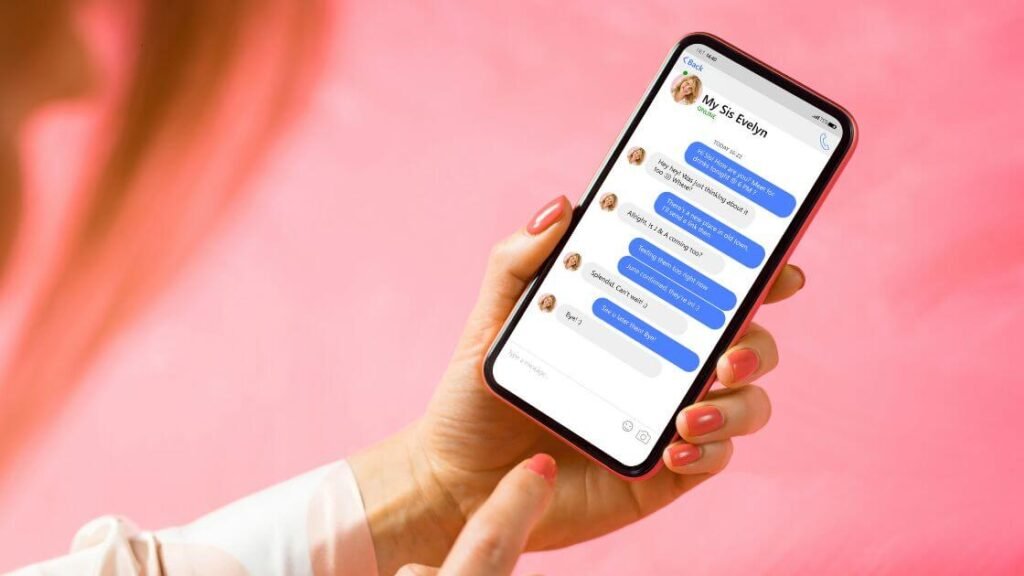
What Goes on WhatsApp
As a personal chef, you can use WhatsApp to:
- Respond to client inquiries.
- Share menu options and prices.
- Send photos of your dishes.
- Update clients about their upcoming meals or events.
- Collect feedback after a service.

Getting the Most Out of WhatsApp
What to Post and How Often
Unlike other social platforms, WhatsApp is not a place for frequent posts. It’s a communication tool, so use it primarily to respond to inquiries and communicate with clients. However, you can send occasional updates or photos to clients who have agreed to receive them.
Using WhatsApp Business
If you find yourself frequently using WhatsApp for work, consider switching to WhatsApp Business. This free app is designed for small business owners and offers additional features like automated responses, labels to organize contacts or chats, and a business profile where you can include more information about your services.
Promoting Your Services on WhatsApp
Promote your WhatsApp number on your other social media platforms, website, and email newsletters. You can also create a clickable WhatsApp link that clients can use to message you directly.

Common Pitfalls to Avoid
Avoid spamming clients with frequent or irrelevant messages—this could lead them to block your number. Also, be mindful of each client’s communication preferences. Some may prefer to use WhatsApp only for essential communication.
Conclusion
In conclusion, WhatsApp offers personal chefs a direct and personal way to communicate with clients. By using it effectively, you can enhance your service, build stronger relationships with your clients, and ultimately grow your business.
